Build a production-grade BPMN modeler — without the bpmn-js constraints

Most teams reach for bpmn-js and hit the same wall: a mandatory watermark, limited customization, and Camunda-only defaults. JointJS is the alternative built for production apps.

Your BPMN modeler,
90% built

Kickstart your development with a ready-to-use template.

open demo
BOiLERPLATE

BPMN EDITOR UI

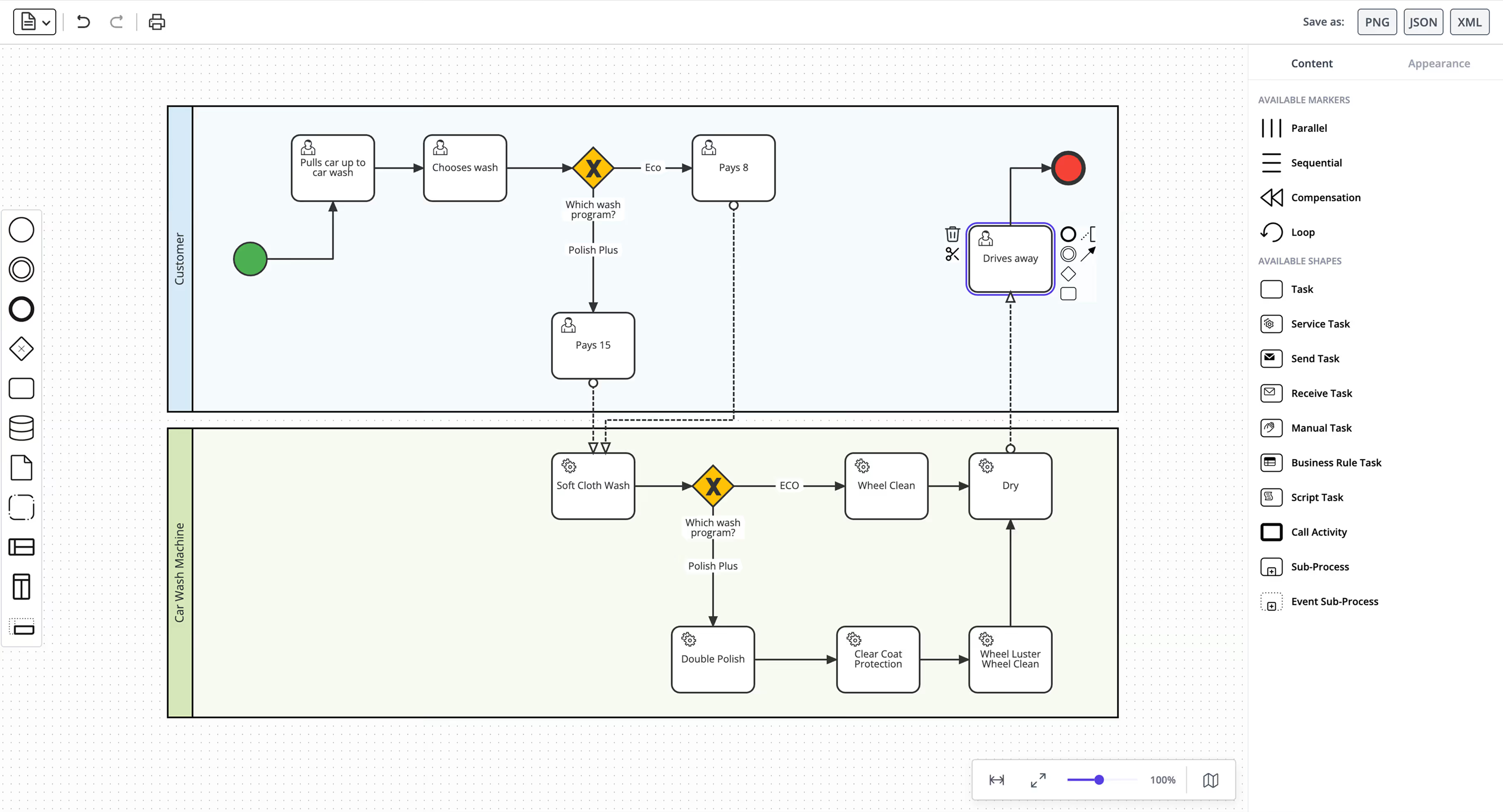
The JointJS BPMN editor demo is a fully working starting point: complete BPMN 2.0 shapes, drag-and-drop palette, property editor, minimap, and bidirectional XML import/export included. Trim it to your use case, wire up your execution engine, and ship.
more demos

BPMN apps & examples

Production-ready examples you can clone and adapt to your stack.
Use cases

Who builds BPMN modelers with JointJS

BPMN is used across industries to model, document, and automate business processes. JointJS is the foundation teams choose when the modeler needs to be embedded, branded, and tailored to their domain.


BPMN and other workflow engine integrations

Build a branded BPMN modeler embedded in your product that deploys directly to Camunda, Flowable, or any other BPMN-compliant engine via API, with engine-specific properties configured in the UI, not raw XML.

Compliance and process documentation

In healthcare, finance, and insurance, BPMN diagrams serve audit and compliance functions. JointJS lets teams build modelers that integrate with internal systems, enforce design standards, and control exactly what gets exported and where.

BPMN modeling as a product feature

Embed a fully branded BPMN modeler inside your SaaS product, with only the elements your users need, in a UI that matches the rest of your application.

Domain-specific process editors

Industries like logistics, insurance, and telecom need BPMN as a foundation with custom shapes, predefined task types, and domain-specific terminology. JointJS gives you the full rendering engine and the freedom to build on top of it.
customer story

Trusted by global leaders

“Access to JointJS+ BPMN demo source code and very good documentation is outstanding in the market. We saved many hours and trouble thanks to easy debugging and well-written code, with an easy-to-understand structure and naming.”
Oleksandr Klymenko
Product Development Architect
read customer story
Features

What JointJS+ gives you out of the box

Remote troubleshooting

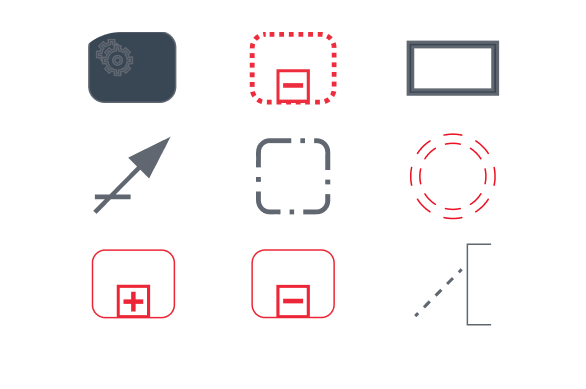
Full BPMN 2.0 shape library

The complete set of BPMN 2.0 symbols, from events and gateways to pools, lanes, and artifacts. Render and import any standard BPMN diagram without gaps.
Remote troubleshooting

No watermark

Ship your BPMN modeler fully branded as your own, with no third-party attribution on rendered diagrams.
Remote troubleshooting

Bidirectional BPMN 2.0 XML

Import and export valid BPMN 2.0 XML consumable by any compliant execution engine. Engine-specific extensions are handled explicitly to survive the round trip.
Remote troubleshooting

Virtual rendering for large diagrams

JointJS renders only the elements visible in the viewport, so performance holds steady across diagrams with hundreds of elements.
Remote troubleshooting

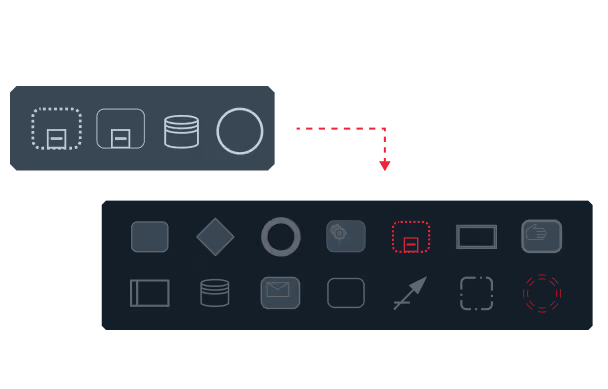
Configurable element palette

Restrict the palette to exactly the elements your users need, while keeping the full shape library available for import and rendering.
Remote troubleshooting

Contextual property editor

A fully integrated property editor that updates based on selection, with configurable fields, validation, conditional visibility, and grouping. Extensible to any engine-specific properties.
Remote troubleshooting

BPMN-aware constraints

Semantic rules like pool containment, sequence flow restrictions, and boundary event attachment are enforced at interaction time, guiding users toward valid processes.
Remote troubleshooting

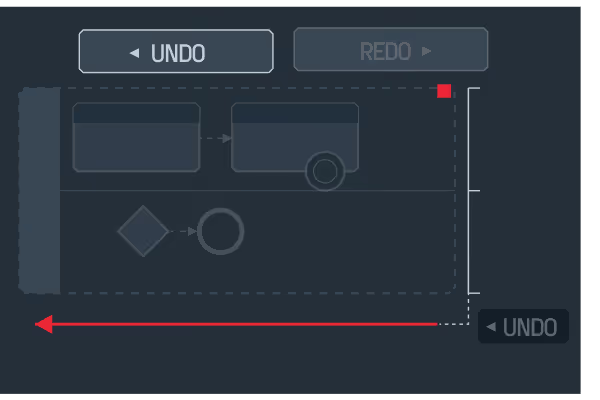
Compound undo/redo

Every action, including cascading deletions across pools, lanes, and attached elements, is reversed as a single atomic operation.
comparison

JointJS is the alternative when default isn't enough.

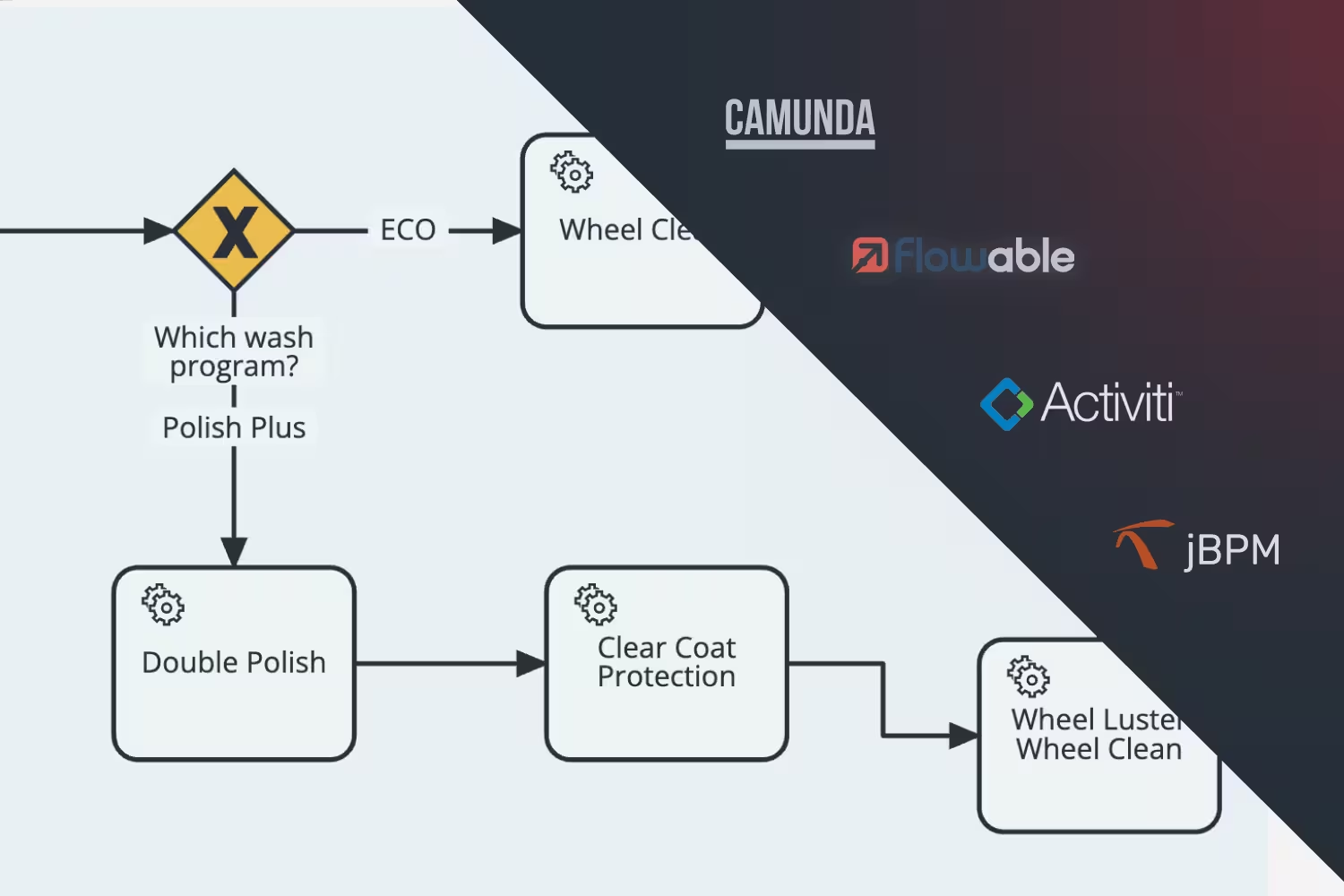
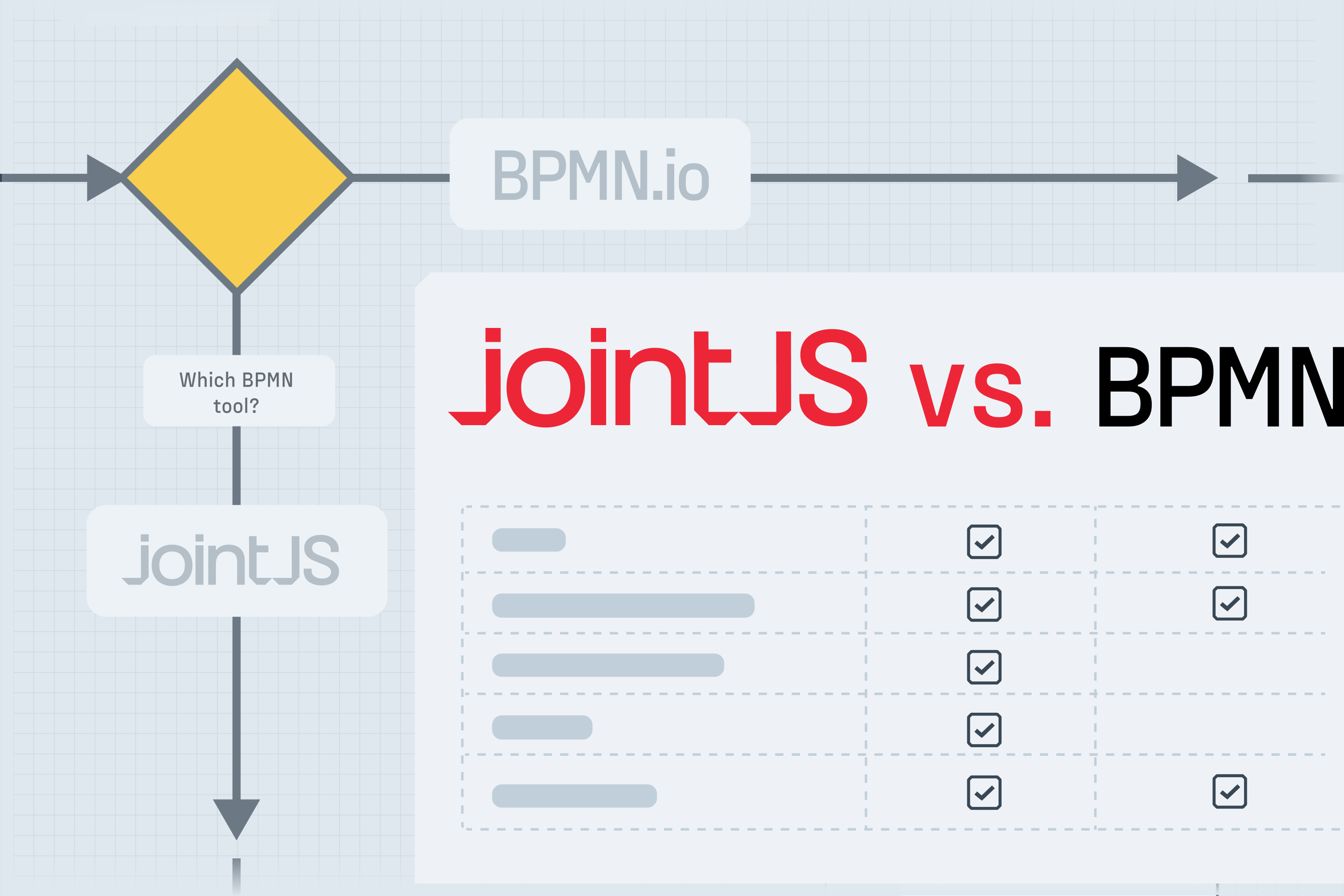
Free and widely used, bpmn-js is often the first choice — until teams hit its watermark requirement, Camunda-specific defaults, and customization ceiling. Here's how the two libraries compare.

Feature

License model
Watermark requirement
Execution engine support
BPMN 2.0 shape library
Virtual rendering (large diagrams)
Touch and tablet support
Customizability
Automatic layout algorithms
Comprehensive documentation
Large collection of demos
Flexibility beyond BPMN
Commercial support
Commercial
None
Engine-agnostic
Full
Yes
Yes
Full control
Yes
Yes
Yes
Yes
Yes — with SLA

bpmn-js

Open source (watermark clause)
Mandatory — cannot be removed
Camunda-first defaults
full
No
Removed in v17 (2024)
Moderate
No
No
No
No
Community only

When JointJS makes sense

  • Customer-facing product, no third-party watermarks
  • Full UI and branding control
  • Support for non-Camunda or multiple engines
  • Performance at scale with large diagrams
  • Expert technical support required

When bpmn-js makes sense

  • A visible watermark is acceptable
  • Camunda-only with its built-in defaults
  • Low to moderate diagram sizes

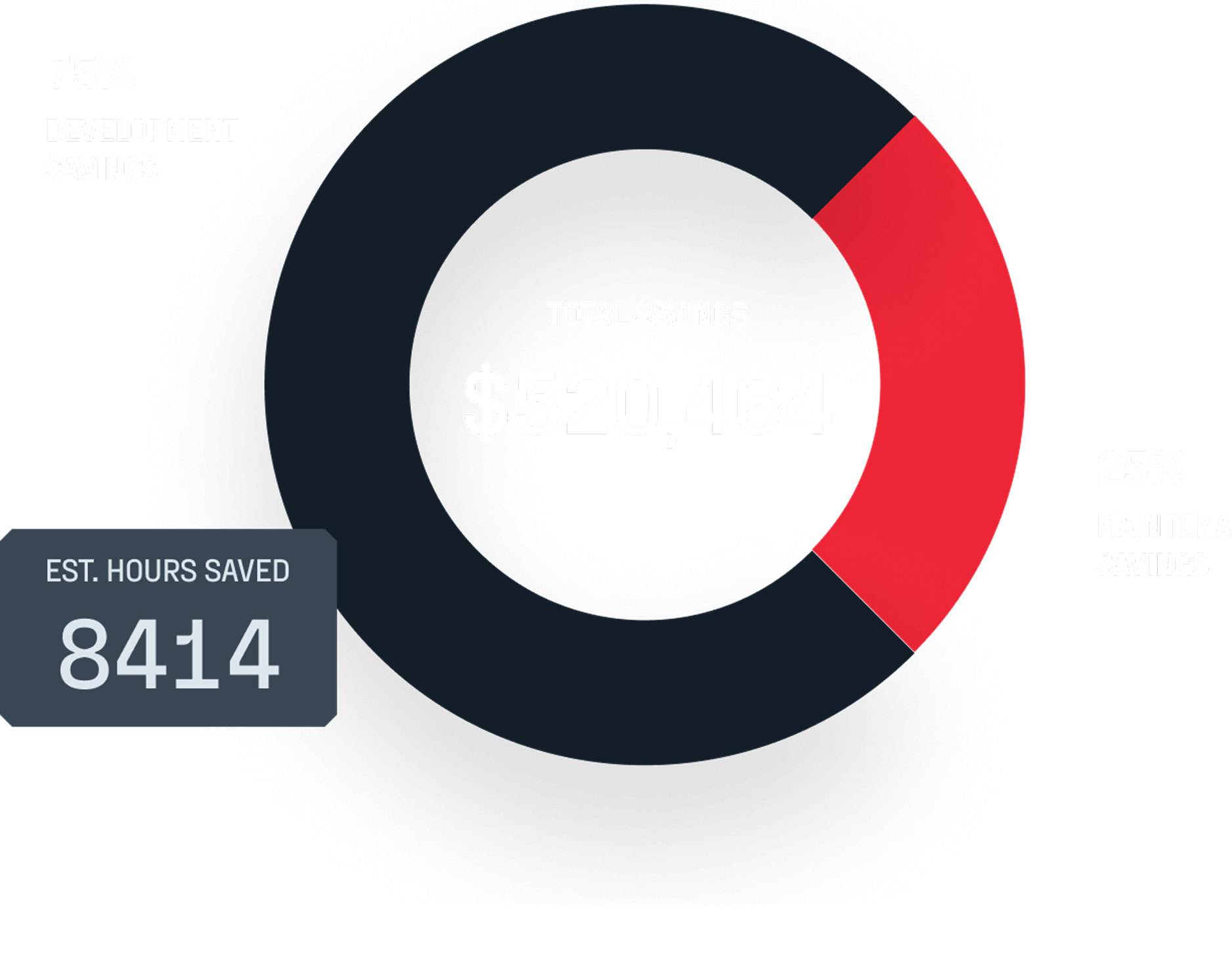
ROI analysis: See how much JointJS+ saves you

Social proof

What engineering teams say

JointJS+ was really a great find, as it gave us a great boost in the diagramming frontend of our application. These guys know their business and give you a great support on your development. One of our requirements was to have a BPMN diagram support in our app and they quickly supplied this as a plugin to JointJS+!
José Miguel Gonçalves
Project Manager, inov
We needed to make some tweaks like customizing the connections of the elements — our requirement was to have custom routing and sophisticated layering of connections which required logical connections spanning several physical connections. Here we could always count on JointJS+ together with great support.
Bartek Waśko
Senior Software Engineer, ConSol