The diagramming library for building electronic design UIs
JointJS gives electronic design teams a foundation for schematic capture, system architecture, and harness design tools, with pin-level connection semantics, standards-compliant symbols, and a canvas built for real circuit complexity.
What electronic design software teams build with JointJS
Electronic design teams use JointJS across the full design flow, from system architecture down to schematic capture, simulation UIs, and harness design.
Schematic capture
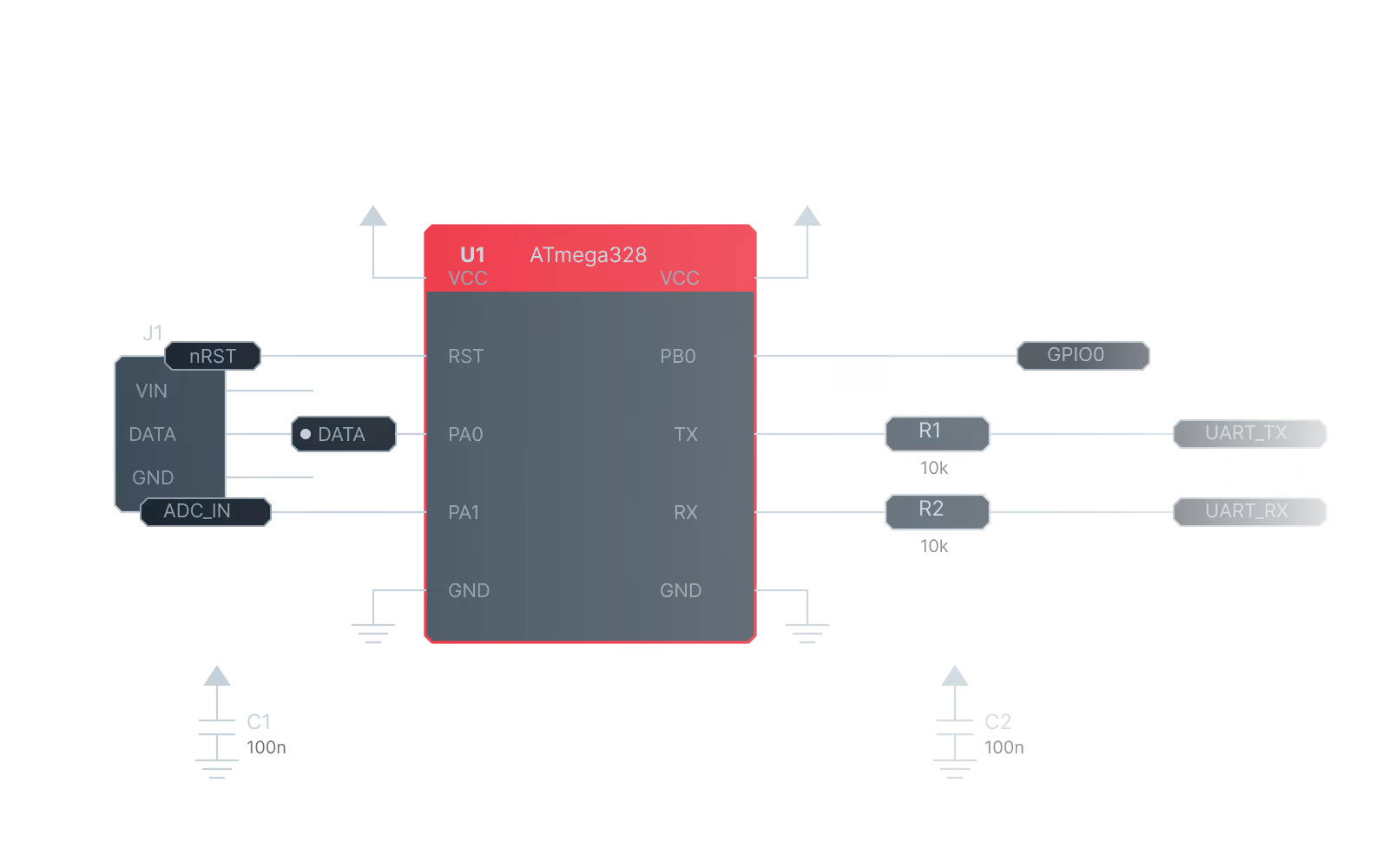
The logical heart of any PCB workflow. JointJS gives you pin-level connection semantics and full SVG control over component symbols, so your editor reflects the electrical reality of the circuit.
Block diagram and system architecture editors
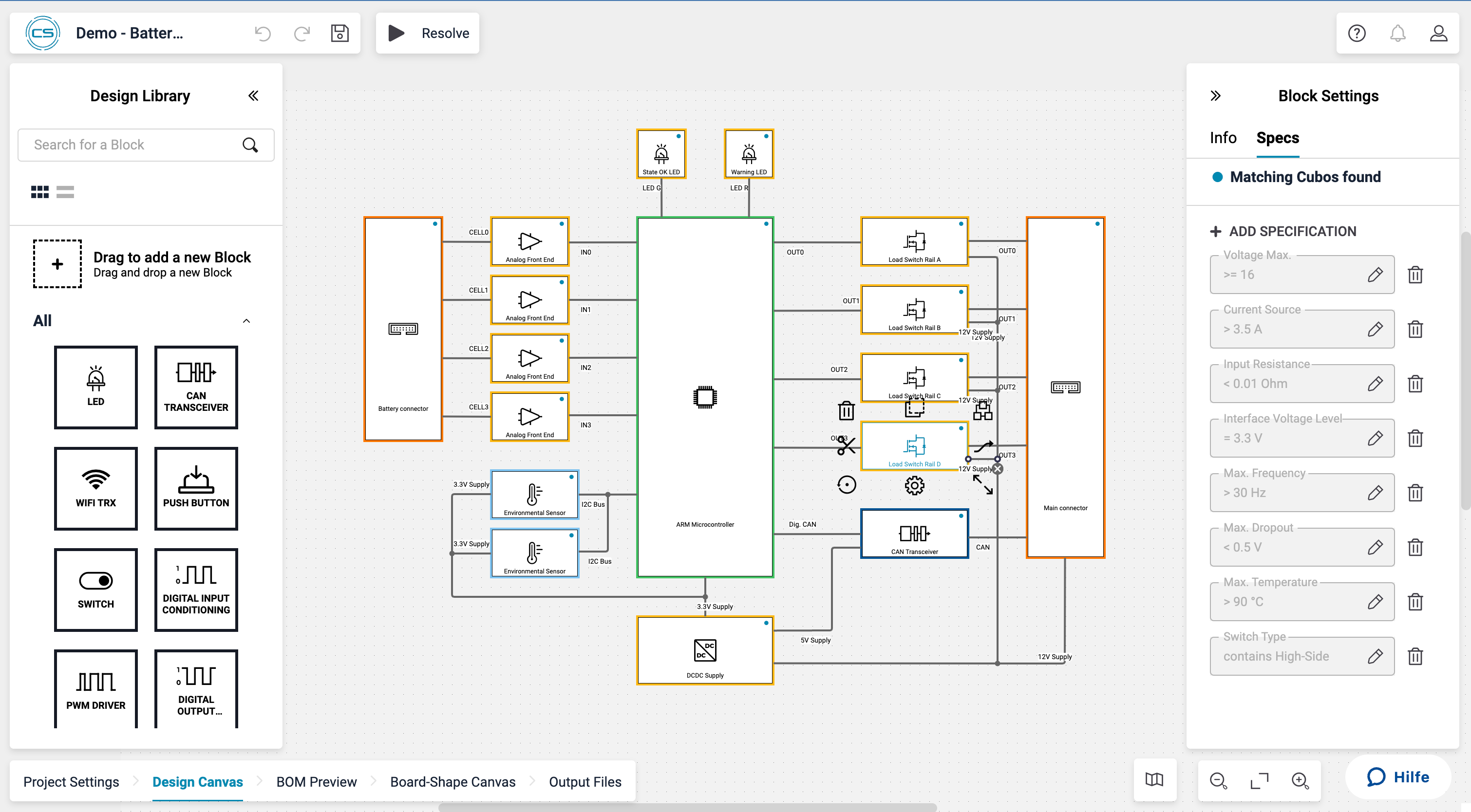
Before schematic, engineers map subsystems, signal flows, and interface contracts. JointJS powers these canvases, from informal block diagrams to formal MBSE tools in aerospace and automotive.
Simulation and analysis UIs
SPICE operating-point annotation, waveform previews, and AC analysis results rendered on the schematic canvas. JointJS gives you the visual layer to bind simulation engine output to the circuit diagram engineers already understand — you bring the simulation engine, JointJS handles the rendering.
Harness and wiring diagram editors
Connector mapping, wire routing, and splice and ground point representation for embedded and automotive systems. JointJS handles harness design with the same pin-level precision as schematic capture.
Use cases
Who builds BPMN modelers with JointJS
BPMN is used across industries wherever teams need to model, document, or automate business processes. JointJS is the foundation teams choose when bpmn-js isn't enough — because the UI needs to be embedded, branded, or tailored to a specific domain.
BPMN and other workflow engine integrations
Build a branded BPMN modeler embedded in your product that deploys directly to Camunda 8, Camunda 7, Flowable, or any other BPMN-compliant engine via API — with engine-specific properties configured in the UI, not raw XML.
Compliance and process documentation
In healthcare, finance, and insurance, BPMN diagrams serve audit and compliance functions. JointJS lets teams build modelers that integrate with internal systems, enforce design standards, and control exactly what gets exported and where.
BPMN modeling as a product feature
Embed a fully branded BPMN modeler inside your SaaS product — with only the elements your users need, in a UI that matches the rest of your application.
customer story
Trusted by global innovators
“JointJS+ allowed CELUS to focus all our efforts on developing our core technology, while still providing our users with a great diagramming experience. The library is fast to integrate and comes with a wide set of advanced features out of the box that saved us countless development hours. A great partner to have.”
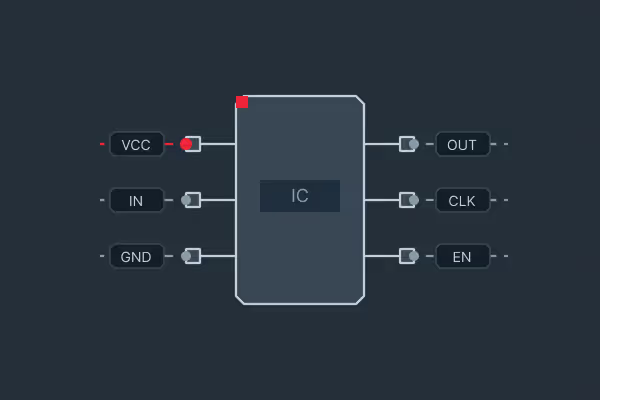
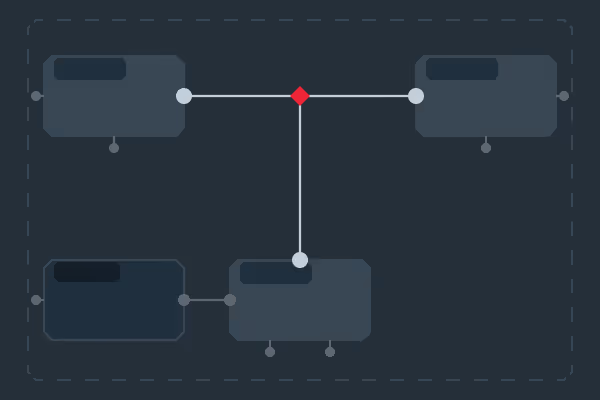
Connect wires to specific pins on a component, not to the component body. The fundamental requirement for accurate schematic capture and netlisting.
Custom component symbols
Author resistors, capacitors, ICs, connectors, and transistors as fully custom SVG shapes. IEEE 315 and IEC 60617 compliant symbols with no raster fallbacks.
Orthogonal wire routing
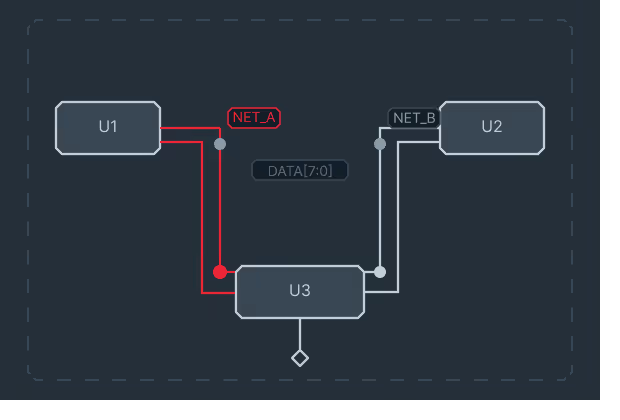
Orthogonal connection routing built in. Junction detection, net labeling, and bus grouping built on top of JointJS's connection model.
Netlist-ready graph model
Components are nodes, pins are ports, wires are edges. The graph data model serializes cleanly to JSON, so writing a SPICE, KiCad, or proprietary format exporter is straightforward.
Component library integration
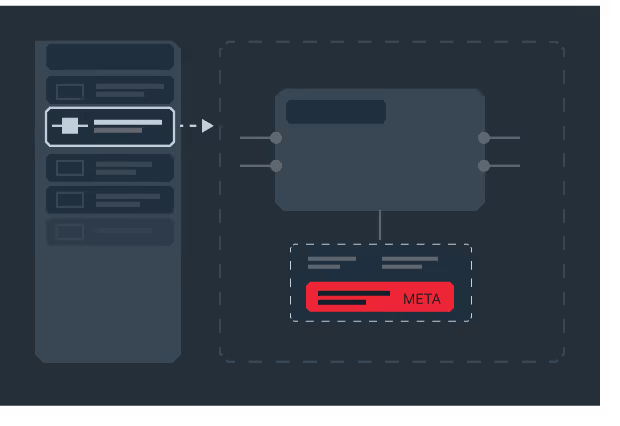
Bind the canvas to an external component database or part catalog. Drag-and-drop placement with metadata (footprint, manufacturer, datasheet link) attached to each instance.
Hierarchical schematics
JointJS gives you the graph primitives to model multi-sheet designs with port references and off-page connectors. The sheet UX is yours to build, not forced into a generic structure.
Annotation overlays
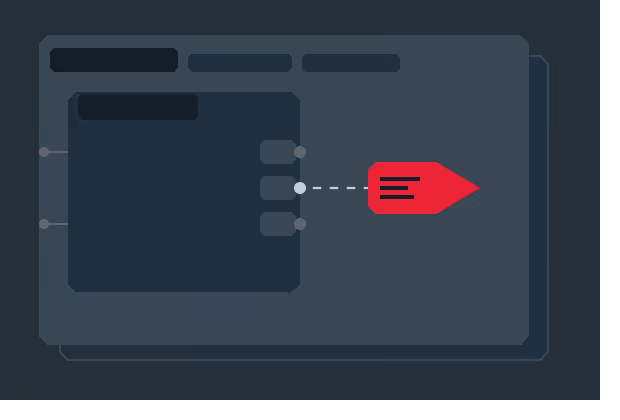
Render operating-point values, signal names, and simulation results directly on the schematic canvas as live data annotations.
Net tracing
JointJS's graph traversal API lets you walk connectivity to highlight every pin on a net or trace signals across the schematic. The interaction model is yours to build.
“ I worked with JointJS+ on different projects to build graphical editors and it helps me get off the ground quickly. Most of the features that you know from other modern editors, even the more advanced ones, are prebuilt in the framework and can be enabled with just a few lines of code. All other features can be added easily due to the framework‘s open nature. And if you get stuck, they provide excellent technical support where you can get in touch directly with the creators of the framework. ”
Andreas Mülder
Team Leader, Itemis
“ The JointJS team has helped us through some of our most difficult requirements to deliver a top-notch product for our customer. Their development team goes above and beyond to assist with questions and is very responsive. I highly recommend both their product and their support package! ”













.png)
.avif)




.avif)


.png)