The diagramming library for building data modeling UIs

Custom nodes, field-level connections, and layout that scales — everything you need to build production data modeling UIs, from ERD editors to semantic layers and lineage tools.


A working data modeling UI
you can fork on day one

Kickstart your development with a ready-to-use template.
open demo
BOiLERPLATE

DATA MODELING UI

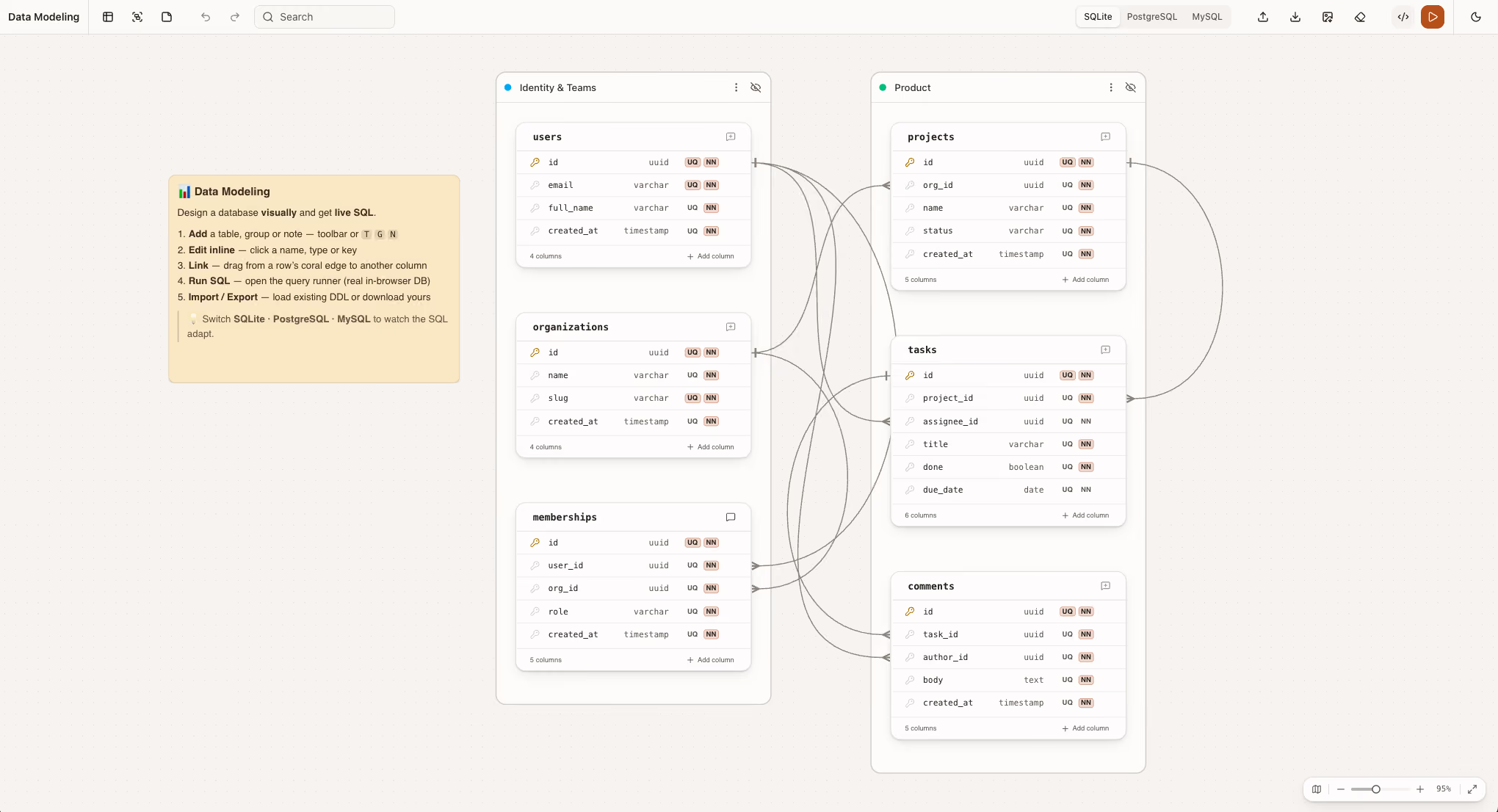
A production-grade data modeling canvas with field-level ports, customizable entity templates, and ERD notation. Take the source, adapt it to your schema model, and skip months of foundational work.
more demos

All templates for your data modeling UIs

Production-ready examples you can clone and adapt to your stack.
Use cases

Who builds data modeling UIs with JointJS

Oracle uses it for database schema design. GoodData uses it for semantic layer editors inside their BI platforms. The use cases are different — the library is the same.


Semantic layer editors

JointJS gives data engineers the canvas to map raw tables to business entities (metrics, dimensions, virtual views) embedded directly in BI, analytics, and headless data platforms.

ERD and schema editors

Generic diagramming libraries connect nodes. JointJS connects fields. Ports let edges attach to specific columns inside a table, not to the entity as a whole, which is what makes accurate foreign key representation, crow's foot notation, and cardinality labeling possible.

Data lineage visualization

JointJS powers lineage graphs where nodes represent data assets (tables, jobs, dbt models, dashboards) and edges show the flow between them, giving engineers a navigable picture of their entire pipeline.

Data mapping and transformation editors

Field-to-field mapping UIs for ETL, ELT, and integration platforms. Source schemas on the left, target schemas on the right, transformations in between — all driven by the same field-level connection model that powers ERD editors.
Features

What JointJS+ gives you out of the box

Remote troubleshooting

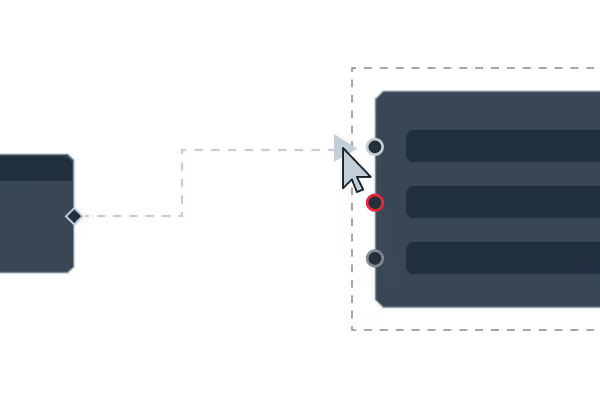
Port-based connections

Connect edges to specific fields inside a node. Essential for column-level mapping, FK notation, and field-to-field transformation.
Remote troubleshooting

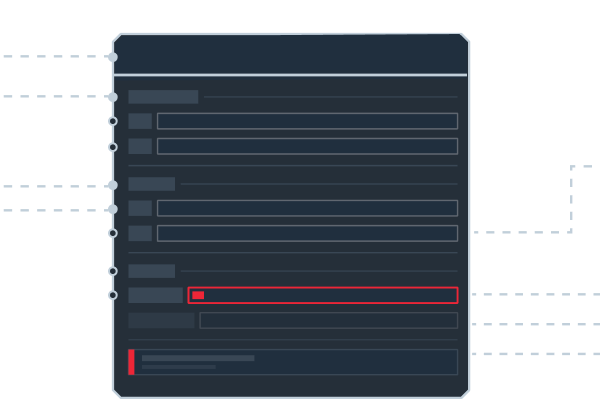
Rich node content

Render field lists, data types, primary key indicators, and constraint badges inside each entity using JointJS's SVG composition model.
Remote troubleshooting

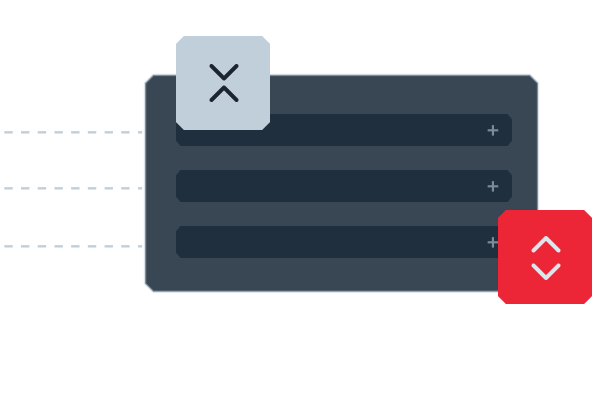
Collapse and expand

Let users hide entity details to reduce visual noise on schemas with hundreds of tables.
Remote troubleshooting

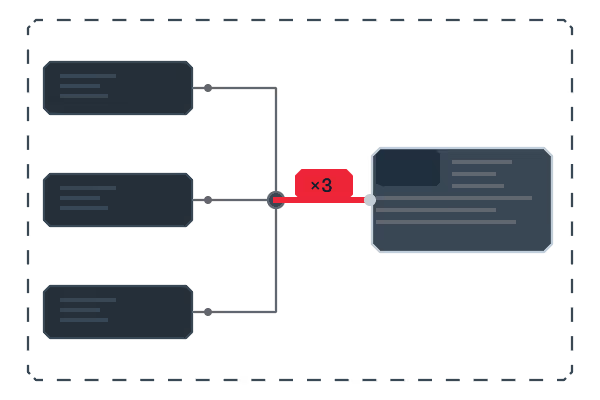
Edge aggregation

When sources, transformations, or targets are collapsed, the underlying table- and column-level flows are rolled up into aggregated edges, keeping lineage diagrams readable at any scale.
Remote troubleshooting

Automatic layout

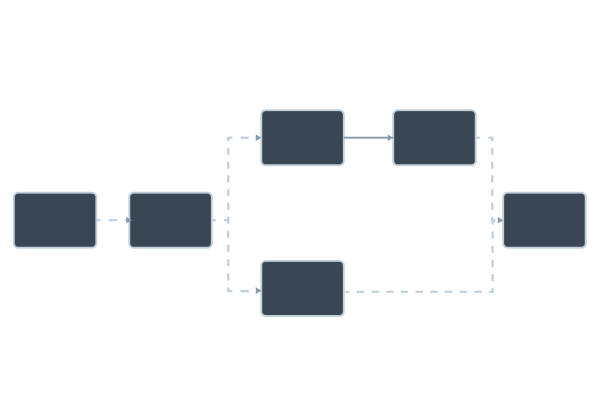
Dagre is built in for directed graph layouts. ELK integration is straightforward via elkjs for more complex algorithms.
Remote troubleshooting

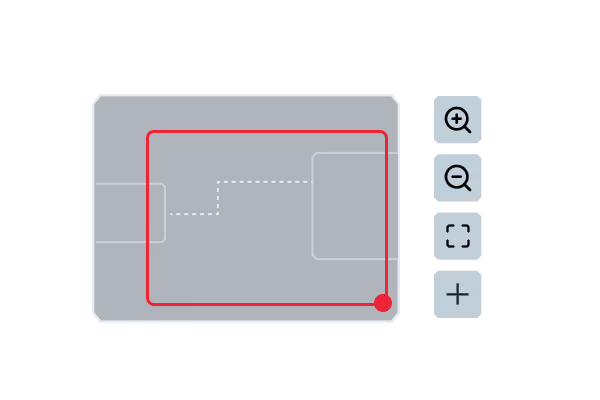
Zoom, pan, and minimap navigation

With viewport-aware rendering, schemas with hundreds of tables stay responsive.
Remote troubleshooting

Selection and traversal

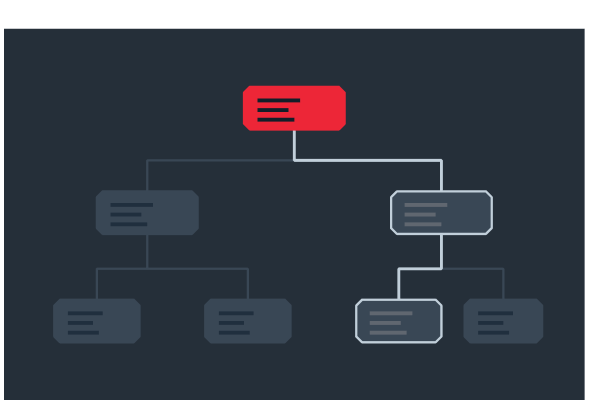
JointJS provides selection and graph traversal APIs to build focus modes, connected-only filters, and impact analysis views.
Remote troubleshooting

Data binding

Sync the canvas with a live source (schema registry, catalog backend, dbt manifest) through JointJS's graph model and event API.

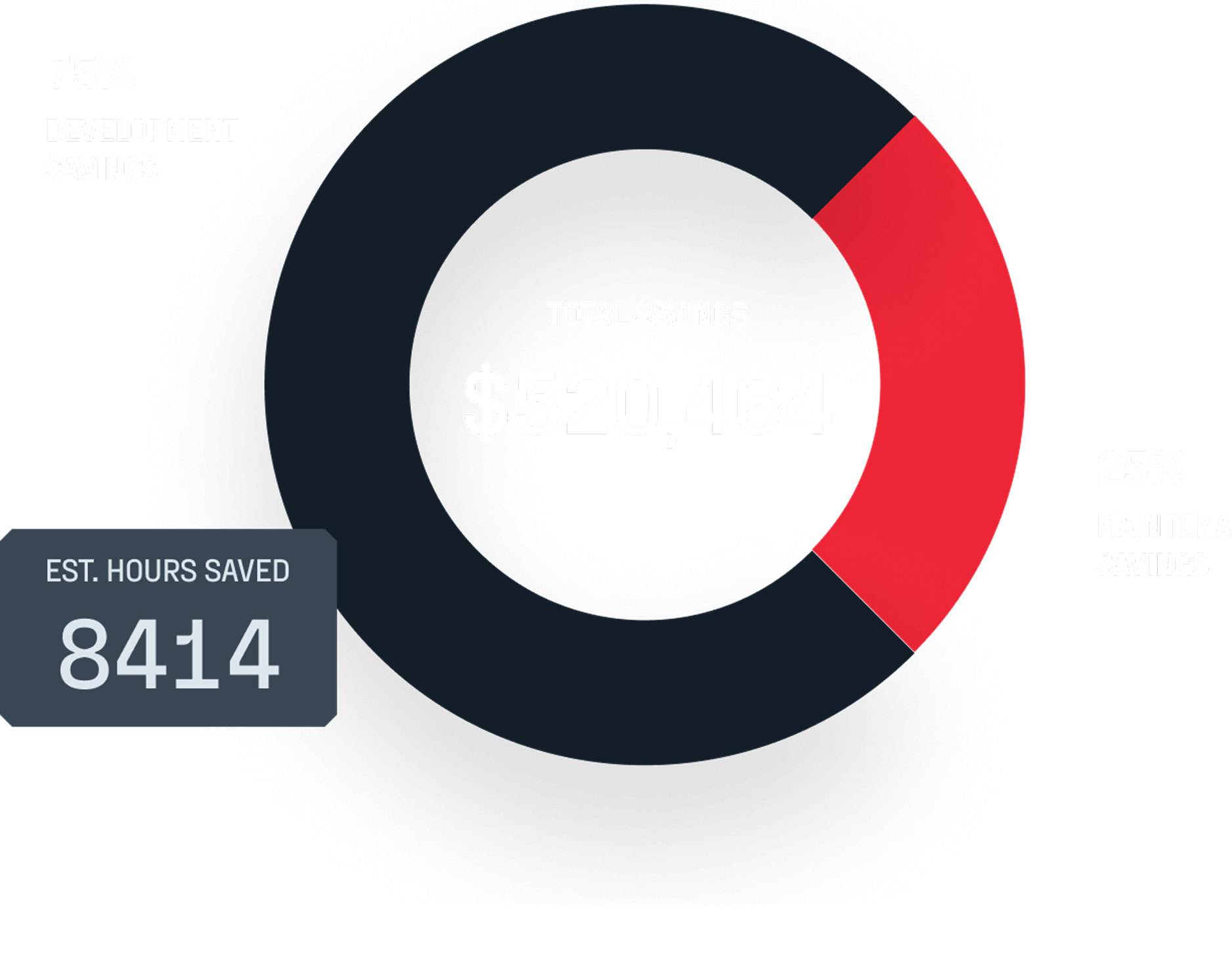
ROI analysis: See how much JointJS+ saves you

Social proof

What engineering teams say

I worked with JointJS+ on different projects to build graphical editors and it helps me get off the ground quickly. Most of the features that you know from other modern editors, even the more advanced ones, are prebuilt in the framework and can be enabled with just a few lines of code. All other features can be added easily due to the framework‘s open nature. And if you get stuck, they provide excellent technical support where you can get in touch directly with the creators of the framework.
Andreas Mülder
Team Leader, Itemis
The JointJS team has helped us through some of our most difficult requirements to deliver a top-notch product for our customer. Their development team goes above and beyond to assist with questions and is very responsive. I highly recommend both their product and their support package!
Matthew Sullivan
project manager, G2