Build a production-grade HMI/SCADA visualization layer — with a proven diagram library

Custom industrial symbols, live state rendering, and real-time data binding — everything your HMI/SCADA product needs, without building it from scratch.


Start with a working template,
not a blank file

Kickstart your development with a ready-to-use template.

open demo
BOiLERPLATE

SCADA/HMI dashboard

The JointJS SCADA demo is a fully working starting point: custom industrial symbols, live state rendering, real-time data binding, and interactive element controls included. Connect your data sources and ship.
more demos

All industrial automation UIs

Production-ready examples you can clone and adapt to your stack.
Use cases

Who builds industrial automation UIs with JointJS

Any product for monitoring and controlling industrial processes is a diagramming app at its core. JointJS is what ISVs and integrators choose for a visualization layer that's embedded, branded, and production-ready.


Operator interfaces

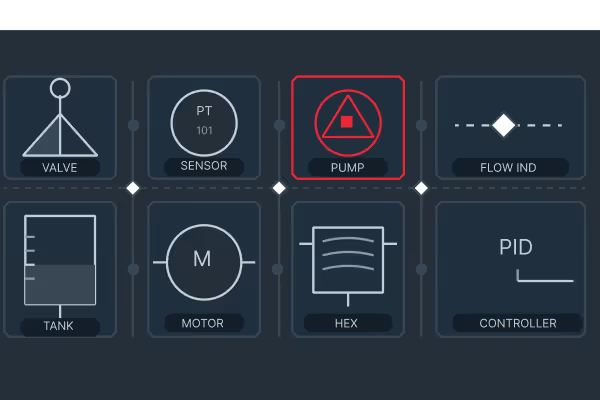
Graphical control panels where operators monitor equipment, respond to alarms, and issue commands in real time. JointJS handles custom industrial symbols (pumps, valves, motors, sensors) with live state rendering across hundreds of elements per screen.

Customer-facing monitoring dashboards

Dashboards embedded in IIoT platforms and industrial SaaS, where device topology, sensor readings, and alerts are visualized as an interactive diagram that updates live as telemetry arrives. JointJS handles high element density and drill-down without performance loss.

Digital twin interfaces

Visual twins of physical assets: floor plans, pipeline networks, building systems with per-zone drill-down. The diagram mirrors real-world state as telemetry arrives, with full control over rendering, custom shapes, and animated transitions.

Engineering configuration tools

Offline authoring for plant designers and control engineers building P&ID drawings, process layouts, and asset hierarchies before go-live. JointJS provides custom symbol libraries, snapping, layer management, and reliable undo/redo.
Features

What JointJS+ gives you out of the box

Remote troubleshooting

Domain-specific custom symbols

Every industrial domain has its own notation, from ISA-5.1 to P&ID to IEC 60617. JointJS lets you build custom shapes for any symbol set and reuse them everywhere.
Remote troubleshooting

SVG drawing import

Many teams have existing SVG or CAD-exported drawings they want to bring into the canvas. JointJS renders SVG natively, so existing assets become interactive elements without redrawing them from scratch.
Remote troubleshooting

Live data binding

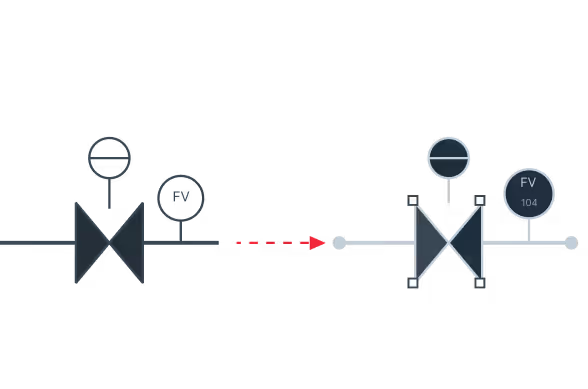
Bind elements to your data layer so sensor updates re-render color, label, icon, or animation without rebuilding the canvas. The visualization always reflects live process state.
Remote troubleshooting

Real-time alarm and state visualization

Attach live state to elements and connections, animate data flow, and surface critical conditions, no separate alerting layer needed.
Remote troubleshooting

High-performance rendering for large diagrams

Factory floors, pipeline networks, and power grids run to hundreds of elements per screen. JointJS renders only what's in the viewport, so performance holds as diagrams grow.
Remote troubleshooting

Interactive element controls

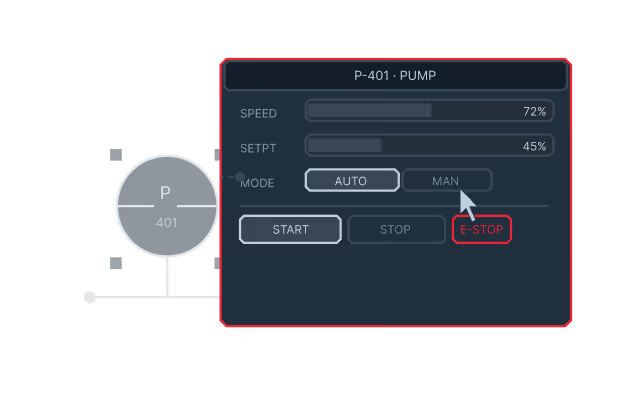
Operators need to do more than observe. JointJS supports click-to-drill-down, contextual control panels per element, and custom interaction logic, built directly into the diagram.
Remote troubleshooting

Layer management

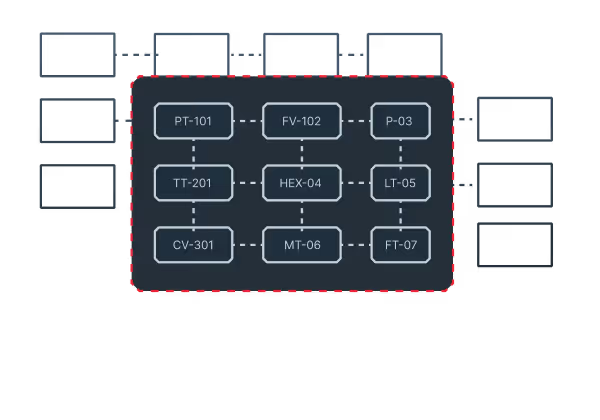
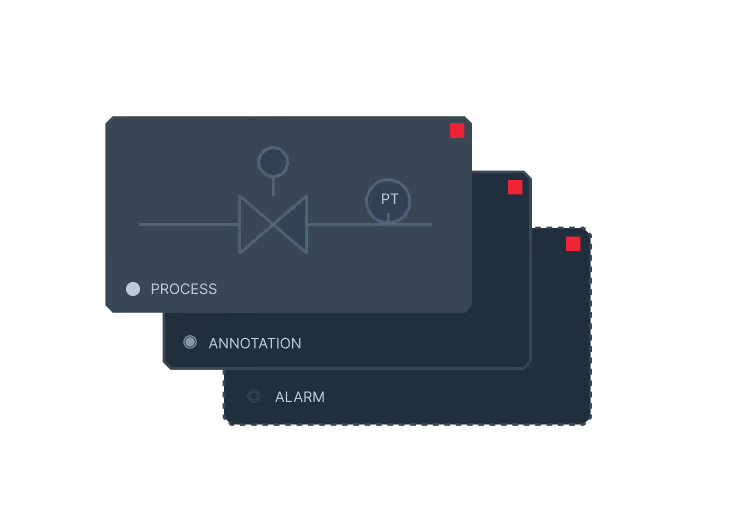
Separate process, annotation, and alarm overlays into independent layers. Toggle visibility per role (operators see one view, engineers see another) without duplicating the underlying graph.
Remote troubleshooting

Framework-agnostic

JointJS works with React, Angular, Vue, Svelte and TypeScript. Integrates cleanly into your existing application architecture without constraints.

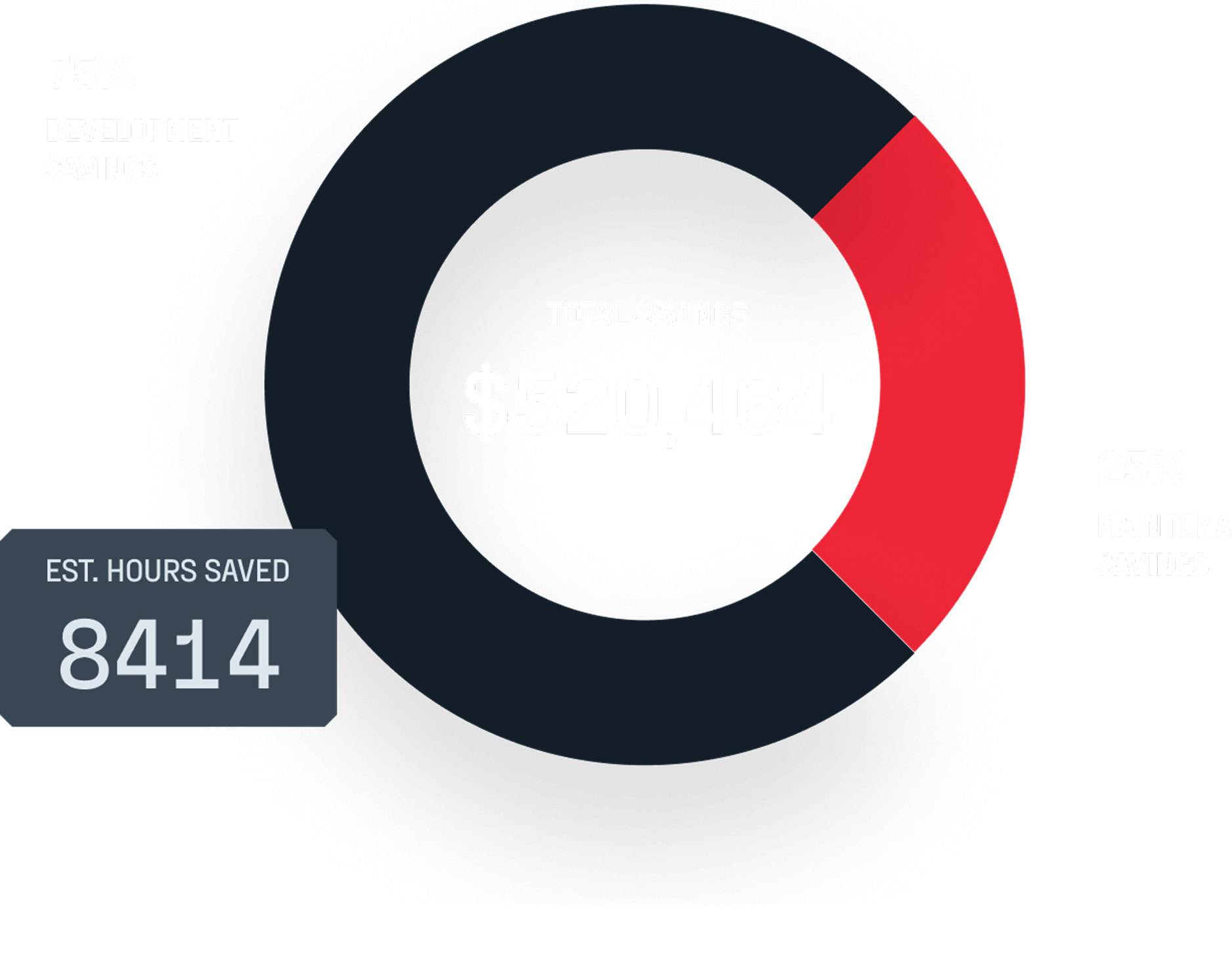
ROI analysis: See how much JointJS+ saves you

testimonials

What engineering teams say

I worked with JointJS+ on different projects to build graphical editors and it helps me get off the ground quickly. Most of the features that you know from other modern editors, even the more advanced ones, are prebuilt in the framework and can be enabled with just a few lines of code. All other features can be added easily due to the framework‘s open nature. And if you get stuck, they provide excellent technical support where you can get in touch directly with the creators of the framework.
Andreas Mülder
Team Leader, Itemis
The JointJS team has helped us through some of our most difficult requirements to deliver a top-notch product for our customer. Their development team goes above and beyond to assist with questions and is very responsive. I highly recommend both their product and their support package!
Matthew Sullivan
project manager, g2