New Data Modeling application template: Visual database schema designer


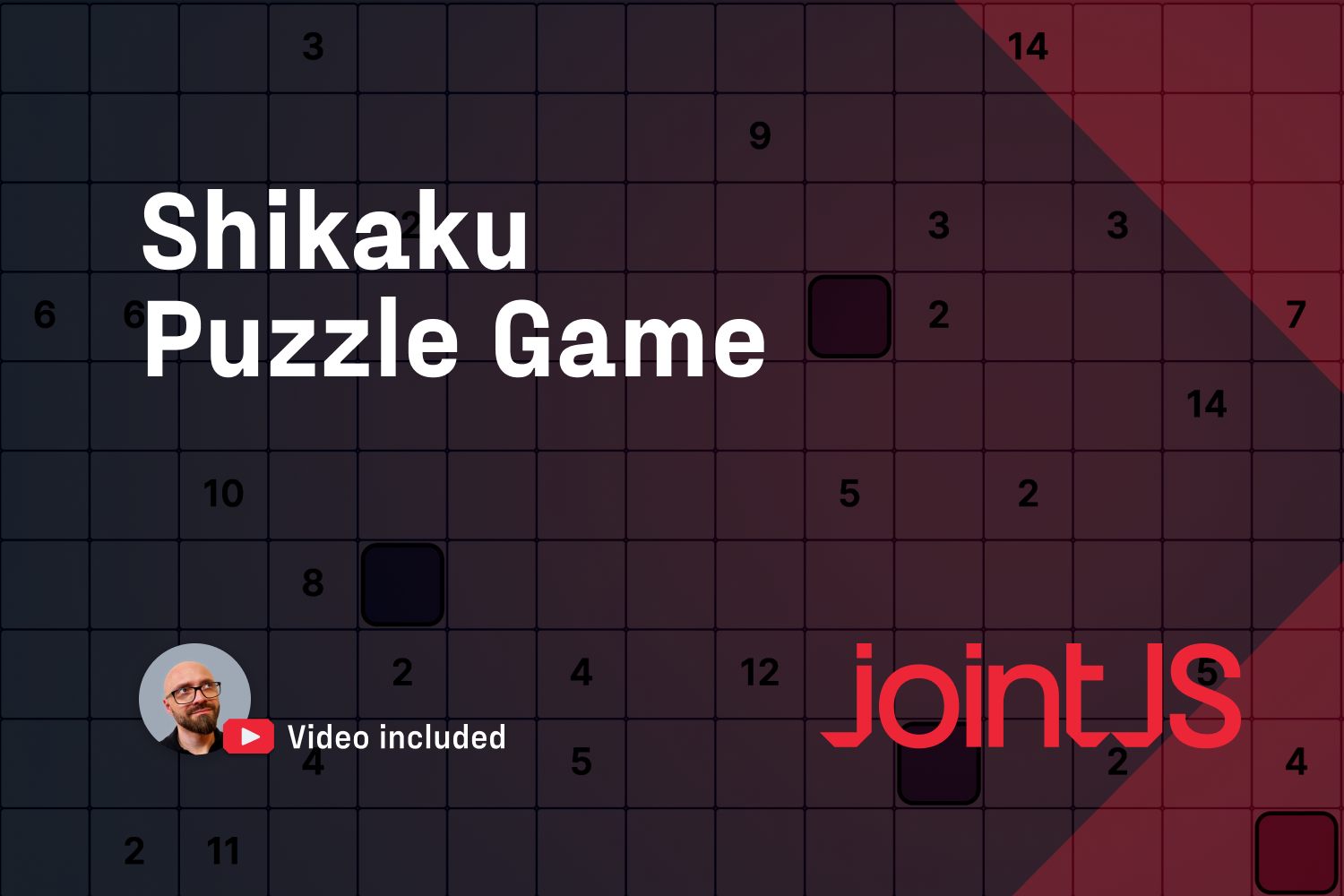

Our newest demo isn't a flowchart, AI workflow builder, org chart, or data modeling tool, but rather a game that showcases out-of-the-box thinking about what's possible to create with a production-grade diagramming library, JointJS.
Shikaku is a Japanese pencil puzzle, essentially a grid with numbers scattered across it. Your job is to cut the whole grid into rectangles, so that each rectangle holds exactly one number and covers exactly that many squares.
Press on a square, drag, and a rectangle grows under your pointer. A live count shows how many squares you have covered, and you get a clear indication with a message and red color if the rectangle you've created is incorrect.
Every Shikaku board is generated on the spot. You can just hit play, or you can choose a difficulty (easy/medium/hard) and a grid size (with the default being 10×10) before you start the game. Each grid is checked to have exactly one solution before you see it. There's undo and redo, light and dark themes, and a share button that copies a link to the exact board you're playing.
Under the hood, a Shikaku board is a diagram. Every square on the board is a graph element, and every rectangle you place is another element drawn on top. A diagramming library is a perfect choice as an engine for a game like this, because it offers everything a grid game needs, from elements on a canvas, pointer interactions, selections, undo/redo, to a canvas that automatically adjusts to the window size.
Undo/redo, a JointJS+ feature, is a detail worth mentioning, as it's not game code, but a part of the library. The rectangles you create live on the JointJS graph, so the JointJS+ Command Manager records every move, and a feature that would take a massive amount of time (or tokens) to build works out of the box with Ctrl/⌘+Z and Shift + Ctrl/Cmd + Z.
You can use this demo as a template and starting point to create other grid and board games like Sudoku, nonograms, Minesweeper, word searches, crossword builders, or a tile-based level editor. If you can draw it as shapes on a grid and let people click and drag them, you can use JointJS to easily create and run it.
The demo is built with JointJS+ for React (@joint/react-plus). To run it locally, you'll need a JointJS+ license, which you can get by starting a completely free trial, with no credit card required.
Happy diagramming!


.png)